A grant close usually stalls before anyone reads the narrative. The report says the money supported the program, but the fund ledger can't prove which restricted balance paid for which activity. The budget-versus-actual schedule doesn't match the general ledger, outcome counts come from a different system, and the controller is left rebuilding figures under deadline pressure.
This guide reviews seven grant report sample templates for nonprofit and faith-based organizations. Each option helps with a different part of the reporting problem, from narrative structure and funder questions to internal tracking and cloud fund accounting. The useful test isn't how polished the template looks. It's whether your team can reconcile targets, activities, expenditures, variances, and restricted fund balances before submission. For broader grantseeking and reporting context, nonprofits can also review the Candid knowledge base and the National Council of Nonprofits grants and contracts resources.
Table of Contents
- 1. Grantable Free Grant Report Template with Full Sample Final Report
- 2. FileIt Grant Progress Report Form Template with Example Response PDF
- 3. Council of Michigan Foundations Common Grant Application and Final Report Template
- 4. Konar Foundation Final Report Sample Questions PDF
- 5. Submittable Practical Grant Reporting Guidance and Live Report Form Examples
- 6. Smartsheet Free Grant Tracking and Reporting Templates
- 7. Nonprofit Accounting Software for Fund Accounting, Grants, and Board-Ready Reporting
- 7-Point Grant Report Sample Comparison
- Turn Your Sample Into a Report Your Ledger Can Support
- Summary
- Frequently Asked Questions
- What should a grant report sample include?
- Which grant report sample is best for private foundations?
- Can a spreadsheet replace nonprofit fund accounting?
- How should a nonprofit explain an unfavorable variance?
- When should an organization consider Sage Intacct for grant reporting?
- What timing rules apply to federal grant reports?
1. Grantable Free Grant Report Template with Full Sample Final Report
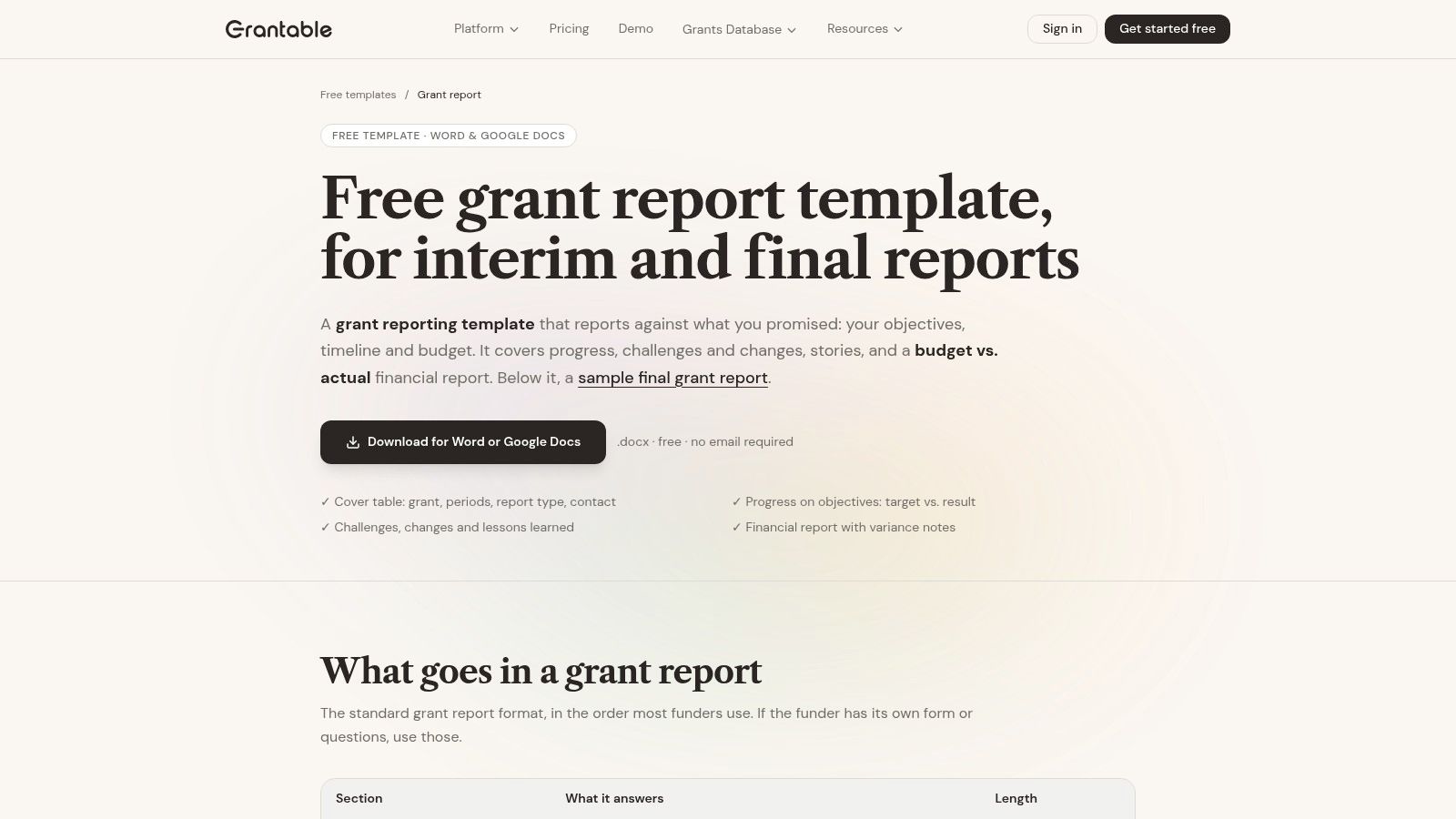
Grantable's grant report template is the strongest starting point when a team needs both a usable document and a complete example. It provides interim and final report templates in Word and Google Docs, with no email required for download. The download includes a worked final report rather than a page of empty headings.
The structure follows the pattern many private and foundation funders expect: a summary, objectives, activities, challenges and changes, stories or evidence, financials, and next steps. The sample connects results to the original proposal and includes budget-versus-actual reporting with variance notes. That makes it easier to judge how much detail belongs in the narrative.
Practical rule: A report should explain the variance, not hide it. If personnel spending is below budget because a position stayed vacant, state the effect on delivery and the corrective action.
Grantable works well for a nonprofit grant manager drafting a private-funder report. It's also useful when a controller wants program staff to stop writing broad organizational updates and report only on grant-funded work.
The limitation is scope. This is primarily a narrative resource for private and foundation reporting. It references federal reporting at a high level, but it isn't a replacement for a federal form such as the SF-425 Federal Financial Report or an award-specific reporting schedule. Teams will also need a separate process for automated data collection, approvals, signatures, and ledger reconciliation.
Before using the template, map its financial categories to your fund accounting structure for nonprofit organizations. The document will only be as reliable as the restricted and unrestricted balances behind it.
2. FileIt Grant Progress Report Form Template with Example Response PDF
FileIt's grant progress report form takes a different approach. Instead of starting with a narrative document, it uses a structured online form that guides the respondent through reporting questions and produces a signed PDF for record-keeping.
The form covers narrative responses, outputs and outcomes, budget variance explanations, and attachments. Conditional prompts distinguish interim from final reporting and ask follow-up questions when a reported variance requires explanation. The public example response PDF is the most useful feature for finance and program leaders because it shows the expected level of detail before anyone starts filling out the form.
Where the form helps
A standardized intake form reduces the chance that a grant manager forgets a required explanation or supporting attachment. It also creates a repeatable handoff between program staff and finance. A controller can require the completed form, the signed PDF, and the supporting budget report to remain together in the grant file.
FileIt is a practical fit when several people contribute data. Program staff can answer activities and outcomes, finance can validate spending, and an authorized signer can approve the final record. That division is cleaner than asking one employee to assemble a report from email threads and spreadsheets.
Where it falls short
The form format can feel restrictive for funders that expect a polished narrative. Organizations that prefer Word or Google Docs will need to transpose the sections or use the form as an internal collection tool rather than as the final submission.
It also doesn't solve the underlying accounting question. A variance prompt can ask why spending differs from budget, but it can't determine whether the reported amount agrees with the grant dimension in the ledger. Use it for controlled collection, then reconcile every financial response to the books.
3. Council of Michigan Foundations Common Grant Application and Final Report Template
The Council of Michigan Foundations common grant application and final report template is useful when a nonprofit wants a credible internal default for private-funder reporting. Its purpose is to reduce the burden created by different foundation forms, so the outline emphasizes reusable questions rather than one organization's preferred writing style.
The final report structure focuses on outcomes, use of funds, and lessons learned. Those categories give a program team enough room to explain what happened without turning the report into an annual report. The format also works as a baseline for a grant close checklist, especially when a nonprofit manages awards with similar narrative expectations.
This template is strongest as an internal reporting standard. A development director can use it to gather program updates, while finance adds the approved budget, actual expenses, remaining balance, and variance explanation. That separation protects the narrative from unsupported figures.
The best internal template is not the one with the most questions. It's the one your ledger and program records can answer consistently.
The financial weakness is clear. The resource is less prescriptive about the exact budget table and supporting financial documentation. A nonprofit will usually need to add its own budget-versus-actual schedule, reporting-basis note, restricted fund balance, and source-document references.
That customization matters because private funders don't all define “spent” the same way. A report may need current-period expenses, cumulative expenses, obligations, or a separate explanation for funds that remain restricted. The template provides a sound narrative shell, but your chart of accounts and grant coding determine whether the financial section is defensible.
4. Konar Foundation Final Report Sample Questions PDF
The Konar Foundation final report questions PDF is less of a writing template and more of a funder-authored closeout checklist. It asks whether the funds were used as intended, whether the budget narrative matched actual expenses, and what financial documentation must accompany the final response.
That makes it valuable for organizations that want to prepare before the closeout request arrives. The document identifies supporting materials such as budgets, balance sheets, and profit and loss statements. A finance team can use those prompts to assemble evidence while the award is active, rather than searching for it after the reporting period ends.
The practical advantage is specificity. Many generic samples tell you to describe “financial performance,” but this resource points toward the questions a real funder may ask about intended use and actual expenses. It helps a controller test whether the report narrative agrees with the accounting records.
Use it as a pre-close control
Create a folder for the award with the approved budget, amendments, ledger detail, invoices or payment support, subaward records, and final financial statements. Then tie each requested document to a report question. If a question asks whether spending followed the approved purpose, the answer should trace to both the grant agreement and the relevant fund transactions.
The PDF doesn't provide a filled-in narrative sample. Your team must write the prose and build the financial schedules. It's also focused on a private foundation's questions, so federal, state, and pass-through requirements may differ.
That trade-off is intentional. A realistic question set can expose missing documentation more effectively than a polished sample paragraph. Use Konar when the risk is incomplete closeout support, not when the main need is writing guidance.
5. Submittable Practical Grant Reporting Guidance and Live Report Form Examples
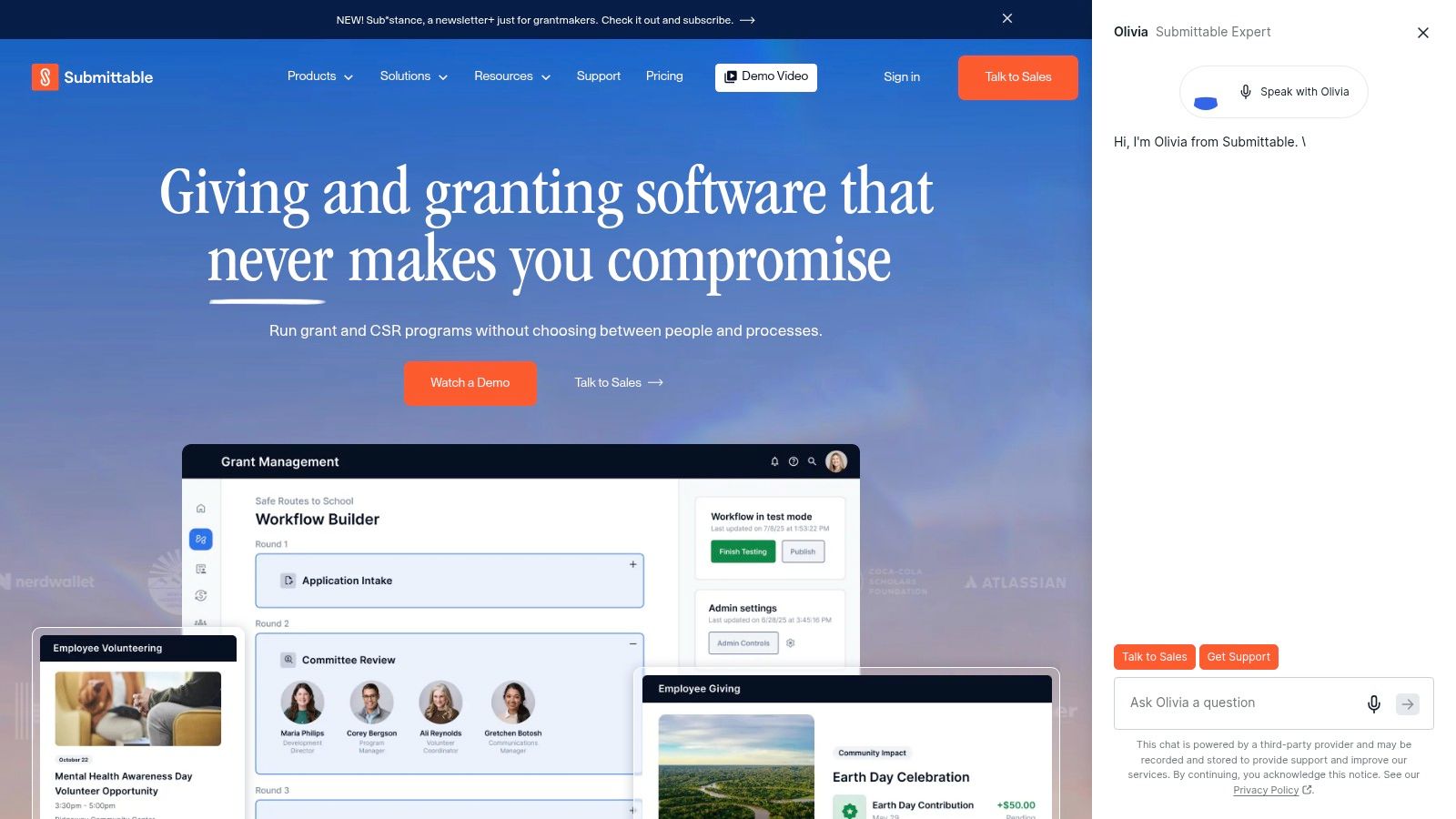
Submittable is useful for teams that want to see how funders collect grant reports through online workflows. Its reporting guidance discusses practical questions and reviewer considerations, while public examples show the fields used in active progress and final report forms.
The strength is context. A downloadable document can show what to write, but live form examples show how reporting gets structured for collection, review, and export. That matters when a nonprofit manages multiple awards and wants to standardize intake before financial staff perform the final reconciliation.
Submittable's guidance also helps teams think about reporting schedules and exported data. A finance leader can use that perspective to define ownership for each field. Program staff may own outputs and narrative changes. Finance should own expenditures, restricted balances, and variance explanations. An executive or authorized signer should approve the final submission.
The accounting decision behind the form
Online reporting works only when the underlying dimensions are consistent. If one program calls a service encounter a participant and another counts a household, the resulting outcome report won't be comparable. The same problem appears in finance when grant expenses are coded inconsistently across sites.
Before building a portal workflow, review your chart of accounts for nonprofits. Grant, fund, program, location, and restriction dimensions should support the report categories your funders request. Otherwise, the team will still export data and manually rebuild the numbers in a spreadsheet. You can also compare your internal setup against nonprofit financial statement expectations in the National Council of Nonprofits guide to financial statements for nonprofits.
Submittable isn't a single downloadable grant report sample. Users need to combine the guidance and public examples, and full platform use is paid. That makes it better for organizations evaluating a repeatable reporting process than for a small nonprofit that needs a document today.
6. Smartsheet Free Grant Tracking and Reporting Templates
Smartsheet's grant tracking templates are designed for the operating work around a report. The collection includes Excel, Google Sheets, Word, and PDF formats, with layouts for grant status, progress, milestones, deadlines, and spending.
This is a good choice when the main problem is visibility across multiple grants or sites. A grant manager can track deliverables and due dates, while finance can maintain budget and actual fields. The templates are also easy to adapt for internal status meetings or to attach as a supporting schedule to a funder report.
The format is practical because it separates management tracking from narrative writing. That distinction matters. A status sheet can flag an overdue milestone or unfavorable variance before the report writer starts drafting. It can also record the evidence file and responsible owner for each metric.
What spreadsheets still can't prove
A spreadsheet can display a remaining balance, but it won't automatically prove that the balance agrees with the general ledger. It may also contain manually overwritten figures, inconsistent formulas, or duplicated expenses across grants. Smartsheet dashboards and automation can improve roll-up visibility, but those software features are paid or optional, and they don't replace accounting controls.
Use the key benefits of nonprofit accounting software like Sage Intacct as the comparison point when the team has outgrown spreadsheet coordination. Smartsheet is a strong tracking layer. It isn't a fund accounting system. For organizations building stronger spreadsheet controls in the meantime, the Microsoft support guide to budget templates and trackers can help standardize internal schedules.
For a small portfolio, that may be enough. For a multi-site organization with restricted funds, recurring reports, and board-level reporting needs, the manual reconciliation burden eventually becomes the cost that matters most.
7. Nonprofit Accounting Software for Fund Accounting, Grants, and Board-Ready Reporting
The pressure usually shows up at report time. Program staff have a draft narrative. Finance has budget-to-actual numbers in the general ledger. Then someone discovers the grant was tracked by department, while the restriction sat in a separate worksheet. At that point, the quality of the report depends less on the template and more on whether the accounting system can prove each figure back to the books.
Lucentive's Sage Intacct nonprofit accounting offering pairs Sage Intacct with nonprofit-focused implementation support. The fit is strongest for organizations that need fund accounting, grant tracking across multiple funds, audit-ready reporting, and board materials that reconcile to the same financial records used for close and review.
Configuration decides whether that works in practice. Sage Intacct supplies the system. Lucentive's CPAs, ERP specialists, trainers, and developers set up dimensions, allocations, dashboards, approval flows, and reporting logic around the nonprofit's actual grant structure. That matters when a controller needs one report to show restricted balances, grant spending, and period activity without stitching together side spreadsheets. Teams comparing systems may also want to review the AICPA nonprofit resources page for broader governance and reporting considerations.
What the approach can support
A well-configured setup gives finance staff a clearer view of restricted and unrestricted activity, grant expenses, deliverables, and consolidated results. It also supports budget-versus-actual reporting at the grant level, tied to each award's period, budget, and restrictions. A sample may read well, but funders and boards judge it by whether the narrative matches those underlying balances.
That kind of visibility helps answer the questions that hold up reporting:
- What was approved: Compare the grant budget against posted expenses and approved changes.
- What remains restricted: Separate spent amounts, available balances, and remaining restricted funds from general operating activity.
- What the program delivered: Tie indicators and supporting records to the same reporting period used for the financials.
- What the board can review: Produce dashboards and summaries with an auditable trail back to source transactions.
Training and documentation matter just as much. Software will not fix reporting if staff code expenses inconsistently, approve charges outside the agreed workflow, or skip reconciliations between subledgers and the general ledger.
Where the investment may be heavier
A full Sage Intacct implementation takes time, money, and sustained staff involvement. For a very small nonprofit with a simple grant mix, that may be more system than the organization needs. There is also a practical trade-off. The team becomes more committed to the Sage Intacct environment and may need integrations for systems such as program platforms, EMRs, donor tools, or grant management applications.
Used well, the payoff is a repeatable reporting process tied directly to the books. That cuts unsupported manual adjustments and gives leadership a clearer view of financial and program performance. For nonprofits where grant reports routinely break down over reconciliations, restricted balances, or board reporting needs, that shift in system design can matter more than another template revision.
7-Point Grant Report Sample Comparison
| Resource | 🔄 Implementation complexity | ⚡ Resource requirements | 📊 Expected outcomes | 💡 Ideal use cases | ⭐ Key advantages |
|---|---|---|---|---|---|
| Grantable, Free Grant Report Template (with full sample final report) | Low, downloadable Word/Google Doc, ready to use | Minimal, free, no account required | Clear, funder-aligned narrative + budget variance; ⭐⭐⭐ | Writing donor-facing final/interim narratives using a worked example | Full worked sample, reviewer callouts, aligned to private funders |
| FileIt, Grant Progress Report Form Template (with example response PDF) | Medium, multi-page online form with conditional logic | Low-Medium, free demo; requires online adoption, generates signed PDFs | Standardized intake and consistent responses; reduces follow-up; ⭐⭐ | Organizations wanting standardized web forms and signed records | Conditional logic, annotated example response, signed PDF output |
| Council of Michigan Foundations, Common Grant Application & Final Report Template | Low, standard question set for cross-funder reuse | Minimal, free download; may need light customization | Cross-funder standardized reporting; reduces grantee burden; ⭐⭐ | Building an internal default template for private foundation funders | Foundation-backed, broadly adaptable standard structure |
| Konar Foundation, Final Report: Sample Questions (PDF) | Low, funder-authored question checklist PDF | Minimal, free PDF; requires internal prep of documents | Clear checklist for compliance and required attachments; ⭐⭐ | Preparing responses and assembling required financial uploads | Concrete funder questions and explicit document list |
| Submittable, Practical Grant Reporting Guidance + Live Report Form Examples | Medium, guidance plus multiple live examples to synthesize | Variable, guidance free; platform features paid | Best-practice guidance plus examples of real funder forms; ⭐⭐ | Designing forms/processes aligned to modern funder workflows and exports | Blends conceptual guidance with live form examples and export workflows |
| Smartsheet, Free Grant Tracking/Reporting Templates (incl. Grant Status Report) | Low-Medium, downloadable sheets and documents, optional platform features | Low for templates; higher if using Smartsheet paid features | Improved tracking, milestone visibility, budget vs. actual clarity; ⭐⭐ | Teams needing internal tracking, multi-grant visibility, and finance workflows | Multiple formats, customizable templates, dashboard compatibility |
| Nonprofit Accounting Software: Fund Accounting, Grants and Board-Ready Reporting (Lucentive + Sage Intacct) | High, full ERP implementation with configuration and change management | High, licensing, implementation time, internal resources | Audit-ready financials, real-time grant compliance and board-ready reports; ⭐⭐⭐ | Medium-large nonprofits needing fund accounting, automation, and audit trails | Native fund accounting, expert implementation, automation, consolidated reporting |
Turn Your Sample Into a Report Your Ledger Can Support
Start with the funder's required format. If the award calls for a specific form, use it. If the funder is flexible, choose the sample that fits the reporting job: Grantable for a worked narrative, FileIt for controlled intake, Council of Michigan Foundations for a reusable private-funder structure, Konar for closeout questions, Submittable for online workflows, and Smartsheet for internal tracking.
Then map every budget category to the restricted and unrestricted funds before drafting a paragraph. The report should show the approved budget, actual spending, remaining balance, outputs, outcomes, evidence source, and variance explanation. If your team reports cash or accrual results, disclose the basis and apply it consistently. For organizations reviewing presentation requirements, the FASB accounting standards updates page is a useful reference point for broader nonprofit financial reporting changes.
Federal reporting adds another layer. In fiscal year 2024, the U.S. government administered more than 1,100 funded federal grant programs, which makes standardized reporting important for recipients, agencies, and the public. The Congressional Research Service overview of federal grant reporting explains how the DATA Act and the GREAT Act contributed to more standardized, searchable grant data.
Timing also needs to be built into the close process. Under 2 CFR §200.328, annual financial reports are generally due within 90 calendar days after the reporting period, while quarterly or semiannual reports are generally due within 30 calendar days. Under 2 CFR §200.329, performance reports follow comparable timing rules and should be reconciled to the financial report when practicable.
If your team still rebuilds grant figures by hand each quarter, schedule a 30-minute working session with the Lucentive team. You can see how a Sage Intacct Premier Implementation Partner would configure fund accounting, grant dimensions, reporting workflows, and dashboards for your nonprofit or faith-based organization.
Summary
The right grant report sample depends on the reporting problem. Grantable provides a complete private-funder narrative example. FileIt adds structured intake and signed output. The Council of Michigan Foundations offers a reusable foundation format, while Konar supplies closeout questions and documentation prompts. Submittable shows online reporting workflows, and Smartsheet supports internal tracking. Sage Intacct with Lucentive addresses the deeper issue when grant reports cannot be reconciled reliably to restricted funds, budgets, actual expenses, and program results.
Frequently Asked Questions
What should a grant report sample include?
A useful sample should include the award identifier, reporting period, approved budget, actual expenses, remaining balance, activities, outputs, outcomes, evidence source, challenges, corrective actions, and next-period plans. The financial section should reconcile to the ledger and explain material variances. The exact forms and supporting documents depend on the award terms, funder, reporting period, and whether the report is interim or final. For organizations building a stronger reporting checklist, the Candid knowledge base and the National Council of Nonprofits guide to financial statements for nonprofits are useful references.
Which grant report sample is best for private foundations?
Grantable is a practical choice when you want a worked narrative and financial example. The Council of Michigan Foundations template is better as a reusable internal structure for foundation reporting. Konar is useful when the immediate need is a funder-authored checklist of questions and supporting financial documents. None of these should override a foundation's required format.
Can a spreadsheet replace nonprofit fund accounting?
A spreadsheet can track milestones, deadlines, budgets, and status. It can't reliably replace a fund accounting system when the organization needs consistent restricted fund balances, multi-site reporting, audit trails, and repeatable reconciliation to the general ledger. Smartsheet can improve visibility, but the underlying accounting dimensions and source transactions still need control. For a broader view of nonprofit accounting controls and reporting expectations, the AICPA nonprofit resources page is a helpful benchmark.
How should a nonprofit explain an unfavorable variance?
State the amount and affected budget category, explain the operational cause, describe the effect on the funded work, and identify corrective action. Don't omit a goal or variance because the result is unfavorable. A clear explanation is more useful than a polished narrative that leaves the funder to infer what happened. If the award has federal requirements, align that explanation with the terms of the award and the applicable post-award reporting rules in 2 CFR Part 200.
When should an organization consider Sage Intacct for grant reporting?
Consider it when the team repeatedly rebuilds grant figures from spreadsheets, cannot separate restricted and unrestricted balances cleanly, or needs consolidated reporting across sites and funds. Sage Intacct with Lucentive can connect grant dimensions, fund accounting, workflows, dashboards, and audit support. The implementation requires time and internal participation, so the decision should be based on control, visibility, and time-to-value.
What timing rules apply to federal grant reports?
Under federal regulations, annual financial and performance reports are generally due within 90 calendar days after the reporting period, while quarterly or semiannual reports are generally due within 30 calendar days. Final reports are generally due within 120 calendar days after the period of performance ends for a recipient. Award terms and agency requirements can impose specific conditions, so the Notice of Award and applicable regulations must control. For the current reporting framework, review 2 CFR §200.328 and 2 CFR §200.329.
Lucentive helps nonprofit and faith-based finance teams connect grant budgets, restricted funds, actual spending, and board-ready reporting in Sage Intacct. Schedule a 30-minute working session through Lucentive to discuss your current report process and see whether a customized Sage Intacct implementation fits your organization.