The most popular advice about updating SQL Server statistics is also the least reliable: turn on automatic updates and move on. That approach works for quiet databases with predictable data, but it can fail on large, volatile tables, where stale cardinality estimates lead to slow queries, excessive CPU, poor memory grants, and blocking at the worst possible time.
A senior DBA treats UPDATE STATISTICS as an operational decision, not a syntax exercise. The right choice depends on table volatility, compatibility level, sampling needs, concurrency, and the business workload behind the database. For finance leaders, the consequence is practical. Bad plans can delay reporting, complicate the close, and undermine confidence in the numbers people use to run the company.
Table of Contents
- Why SQL Server Statistics Need Active Management
- How SQL Server Decides to Refresh Statistics Automatically
- Running UPDATE STATISTICS With Confidence
- Choosing Between spupdatestats and Targeted Updates
- Concurrency and Performance Tradeoffs During Updates
- Building a Reliable Statistics Maintenance Plan
- Troubleshooting Stale Statistics in Production
Why SQL Server Statistics Need Active Management
Automatic statistics updates are useful, but they aren't a complete maintenance strategy. SQL Server's optimizer relies on statistics, including histograms and density information, to estimate how many rows a query will return. When those estimates drift away from the actual data distribution, the optimizer can choose an inefficient join, underestimate memory requirements, or scan a table when a seek would have been more appropriate.
The database rarely labels the symptom “stale statistics.” Users see a query that suddenly runs slowly. Finance teams see a dashboard that takes too long to refresh. A reporting job may consume more CPU than usual, or a query that behaved well last quarter may begin requesting an unsuitable memory grant. The underlying issue can be data drift, not a missing index or a broken application.
Practical rule: Treat statistics freshness as part of workload management. Automatic updates are a safety net, not a substitute for observing how data changes.
Why drift becomes a plan problem
A table can receive heavy inserts, updates, or deletes without every important statistics object becoming useful at the moment you need it. Distribution changes can also be uneven. A column may gain new values in a narrow portion of the data while the overall row count changes modestly, leaving estimates inaccurate for the predicates that matter most.
That affects more than one query. A poor estimate can influence join order, join type, parallelism, sort operations, and memory grants. The resulting plan may remain in cache while the data continues to change, so the database appears healthy until a particular parameter or reporting period exposes the weakness.
The operational response should connect statistics maintenance with data quality assurance, because reliable reporting depends on both accurate source data and plans that can retrieve it efficiently. Building confidence in decisions through data quality assurance is therefore relevant to database operations, not just accounting controls.
What active management means
Active management doesn't mean running FULLSCAN against every table every night. It means identifying the tables and statistics objects that drive important workloads, measuring modification activity, and choosing a refresh method that won't create more disruption than it solves.
Start with the queries that matter to the business. Then investigate whether their estimates are consistently wrong, whether the underlying tables change rapidly, and whether a statistics refresh improves the plan without introducing unacceptable compile or I/O pressure. That evidence should determine the job schedule.
How SQL Server Decides to Refresh Statistics Automatically
SQL Server doesn't refresh statistics on a simple timer. It tracks modifications and considers an automatic update when the relevant threshold is reached. The classic rule is often described as 500 row changes for smaller tables, followed by approximately 500 plus 20% of the table's row count for larger tables, as documented in SQL Server statistics threshold guidance.
That historical rule explains why automatic updates could feel too slow on large tables. A table with 100 million rows could need about 20 million modifications before the classic trigger was reached, while a table with 10 million rows could need about 2 million changes. These examples and the history of automatic statistics updates are documented in Microsoft's SQL Server statistics documentation.
Compatibility level changes the expectation
Microsoft later documented a dynamic threshold through trace flag 2371 in SQL Server 2008 R2 SP1. In SQL Server 2016, that behavior became the default for databases using compatibility level 130, making automatic statistics updates more responsive for large tables. The newer condition can be expressed as the smaller of 500 + 20% of n and sqrt(1000 * n) for temporary or permanent tables with more than 500 rows, as described in the dynamic statistics threshold explanation.
That means the old 20% rule shouldn't be applied blindly to every modern database. Two tables with similar row counts can still refresh at different times because their modification patterns, statistics objects, filters, and workload demand differ.
What to inspect
Use sys.dm_db_stats_properties to review the statistics metadata for a table. The useful fields include:
- last_updated, which shows when SQL Server last refreshed the statistics.
- rows, which describes the row population represented by the statistics.
- rows_sampled, which helps you understand the quality and cost of the previous refresh.
- modification_counter, which shows how much change has accumulated since the update.
Filtered statistics and incremental columnstore statistics have their own behavior, so don't assume that every statistics object follows the same practical cadence. Check the database compatibility level before diagnosing an apparently late automatic update.
Running UPDATE STATISTICS With Confidence
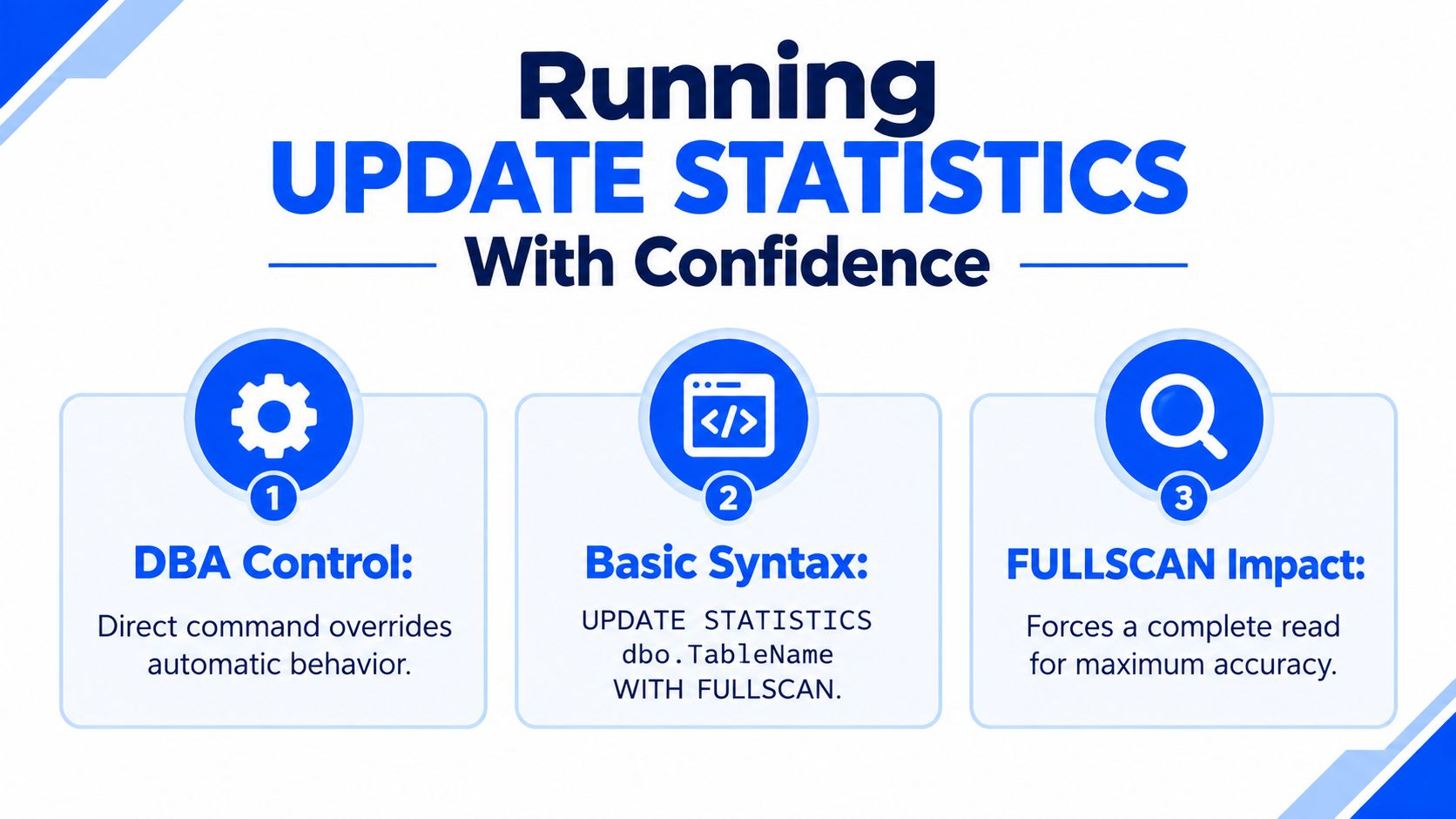
Manual UPDATE STATISTICS is valuable because it gives the DBA control over timing, scope, sampling, and the specific statistics object being refreshed. The simplest targeted command is:
UPDATE STATISTICS dbo.TableName WITH FULLSCAN;
FULLSCAN reads the complete table and produces the most thorough refresh, but it also consumes more I/O and can extend the maintenance operation. For a large table where a complete read would be excessive, a sampled operation can be more appropriate:
UPDATE STATISTICS dbo.TableName WITH SAMPLE 30 PERCENT;
Microsoft documents that PERCENT can range from 0 to 100, while ROWS can range from 0 to the table's total row count. The UPDATE STATISTICS syntax reference also covers PERSIST_SAMPLE_PERCENT, which lets you retain a selected sampling rate for later updates.
Target the object that matters
You don't always need to refresh every statistic on a table. If a problematic plan depends on one column statistic, target that object directly:
UPDATE STATISTICS dbo.TableName _WA_Sys_00000002_00000001 WITH FULLSCAN;
That approach is useful during incident response, especially when a single distribution has changed and the rest of the table's statistics remain serviceable. It also reduces unnecessary work compared with a database-wide sweep.
Use PERSIST_SAMPLE_PERCENT when repeated automatic refreshes are producing samples that don't represent a skewed distribution well:
UPDATE STATISTICS dbo.TableName WITH SAMPLE 30 PERCENT, PERSIST_SAMPLE_PERCENT = ON;
The setting should be deliberate. A retained sample can improve consistency for a difficult statistics object, but it can also impose more work than the database needs if applied indiscriminately.
The best statistics command is the smallest command that corrects the estimate without disturbing the workload.
A practical selection checklist
- Default sampling: Start with the engine's default for ordinary tables whose plans remain stable.
- A chosen sample: Use a defined percentage or row count when the default sample doesn't capture a critical distribution.
- FULLSCAN: Reserve it for skewed or high-value statistics where plan quality justifies the I/O.
- Index maintenance: If an index rebuild already refreshes related statistics, coordinate the jobs rather than immediately repeating the work.
- NORECOMPUTE: Use
NORECOMPUTEonly when you have a specific reason to control subsequent automatic updates, because it removes an important engine safeguard.
Accurate reporting depends on trustworthy data retrieval as well as trustworthy source records. The connection between maintenance choices and real-time reporting and visibility is easy to miss when database work is reduced to isolated commands.
Choosing Between sp_updatestats and Targeted Updates
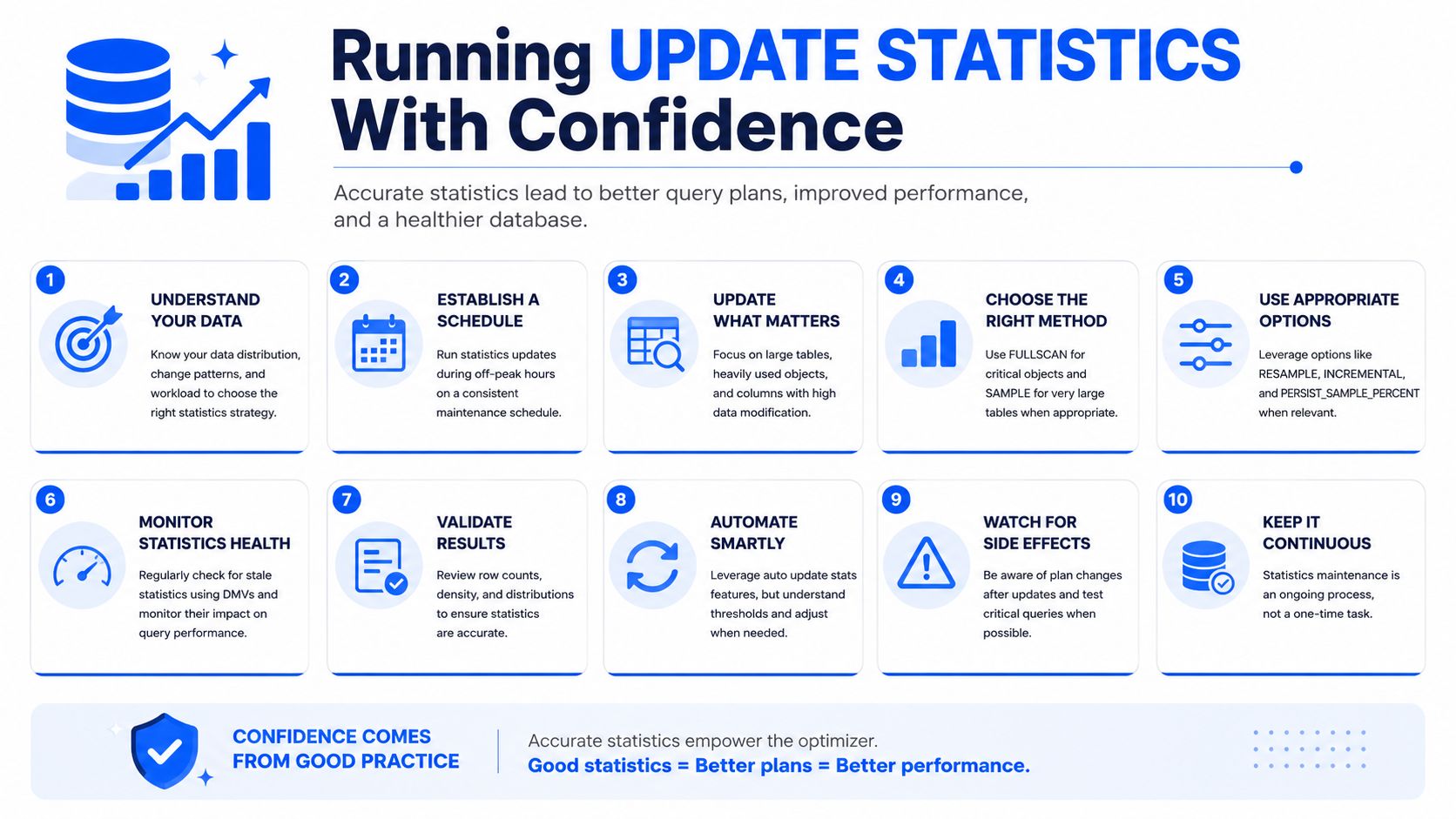
sp_updatestats, manual UPDATE STATISTICS, and asynchronous automatic updates solve different operational problems. The mistake is treating them as interchangeable.
sp_updatestats is convenient for a broad catch-up pass across user-defined tables. It generally skips statistics where SQL Server sees no modifications, which makes it more practical than blindly refreshing everything. Its broad scope can still create substantial compile activity and I/O across a busy database, particularly when many databases share the same maintenance window.
Manual updates are more precise. A DBA can refresh only the statistics associated with important reporting tables, use FULLSCAN for a skewed column, and spread the work across separate windows. The trade-off is administrative effort. Targeting requires knowledge of the workload and a script that stays aligned with schema and query changes.
Asynchronous automatic updates favor responsiveness. With AUTO_UPDATE_STATISTICS_ASYNC enabled, a query can continue using older statistics while SQL Server performs the refresh in the background. That reduces the chance that a user waits for the update, but the next plan may still be compiled from stale information until the refresh completes.
| Method | Scope | Sampling control | Blocking risk | Best for |
|---|---|---|---|---|
sp_updatestats |
Broad database sweep | Limited | Broad maintenance impact and compile pressure | Periodic catch-up jobs |
Targeted UPDATE STATISTICS |
Selected table or statistics object | Strong control, including PERCENT, ROWS, and FULLSCAN |
Concentrated impact on selected objects | High-value tables and incident response |
| Asynchronous auto-update | Engine-selected statistics | Managed by SQL Server, with optional persisted sampling | Lower query-wait risk, but freshness is delayed | OLTP responsiveness |
The correct choice depends on what hurts more in your environment. A reporting-heavy nonprofit may prefer predictable off-peak updates, while a transaction-heavy healthcare workload may value continued query response over immediate estimate freshness. Neither preference is universal.
Concurrency and Performance Tradeoffs During Updates
A statistics refresh changes metadata that the optimizer uses, so SQL Server must coordinate the update with compilation and execution. With synchronous behavior, a query that needs refreshed statistics can experience the refresh as part of its own latency. That can be acceptable in a quiet maintenance window and disruptive during a business-hour reporting surge.
A full scan increases the amount of data SQL Server must read. On a large table, the work can compete with reporting queries for storage throughput, CPU, memory, and tempdb resources. The command may improve a plan while simultaneously creating pressure that users experience elsewhere.
Business hours versus a maintenance window
Off-peak maintenance gives the database room to perform heavier work, but it may leave statistics behind a daytime modification burst. Business-hour maintenance responds closer to the workload's current state, yet it introduces a risk that a refresh, compile, or lock waits behind active sessions.
A useful schedule separates maintenance by business importance:
- Critical transaction tables: Prefer controlled updates that avoid surprising peak-hour waits.
- Reporting tables: Use a window aligned with extract and dashboard activity.
- Volatile operational tables: Monitor modification counters and refresh when the estimate has become materially unreliable.
- Low-priority objects: Include them in a broader sweep when the system has capacity.
Low-priority asynchronous behavior
Microsoft's Azure SQL guidance notes that asynchronous statistics updates can block concurrency unless ASYNC_STATS_UPDATE_WAIT_AT_LOW_PRIORITY is enabled. The setting changes the operational behavior by allowing concurrent sessions to take precedence over the statistics update, which is especially relevant in cloud and hybrid estates where many databases share resources. See Microsoft's guidance on improving concurrency for asynchronous statistics updates.
MAXDOP also deserves attention. More parallel work can shorten a scan, but it can increase CPU pressure and contend with production queries. Index rebuilds, online operations, and resumable maintenance can compete for the same window, so coordinate them rather than stacking every expensive task together.
A statistics job that improves estimates but blocks the close is not a successful maintenance job.
The same discipline applies to broader technology planning. Teams evaluating an ERP or a major data platform should account for the costs, time, and resources required for implementation, not just licensing or command syntax.
Building a Reliable Statistics Maintenance Plan
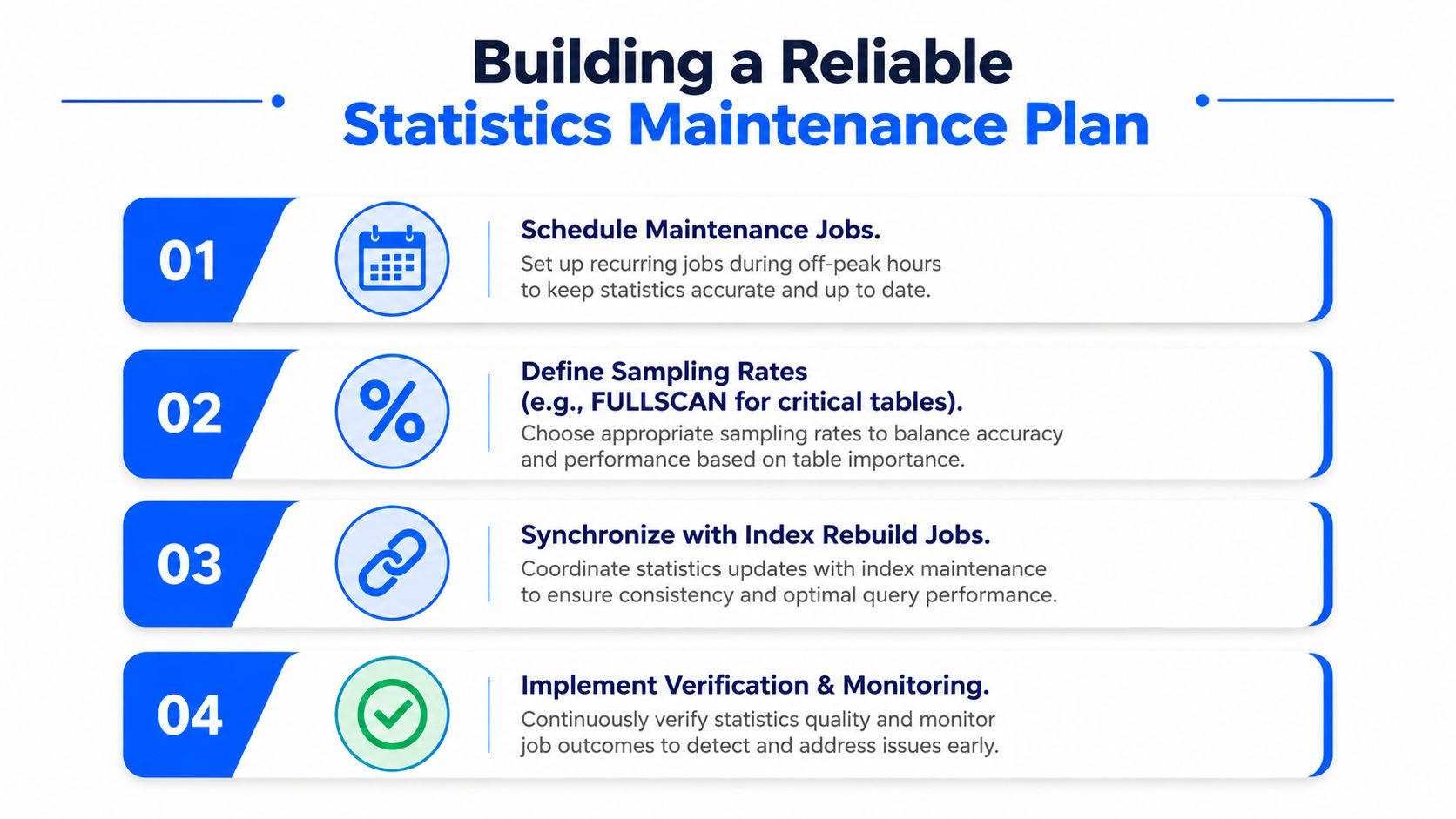
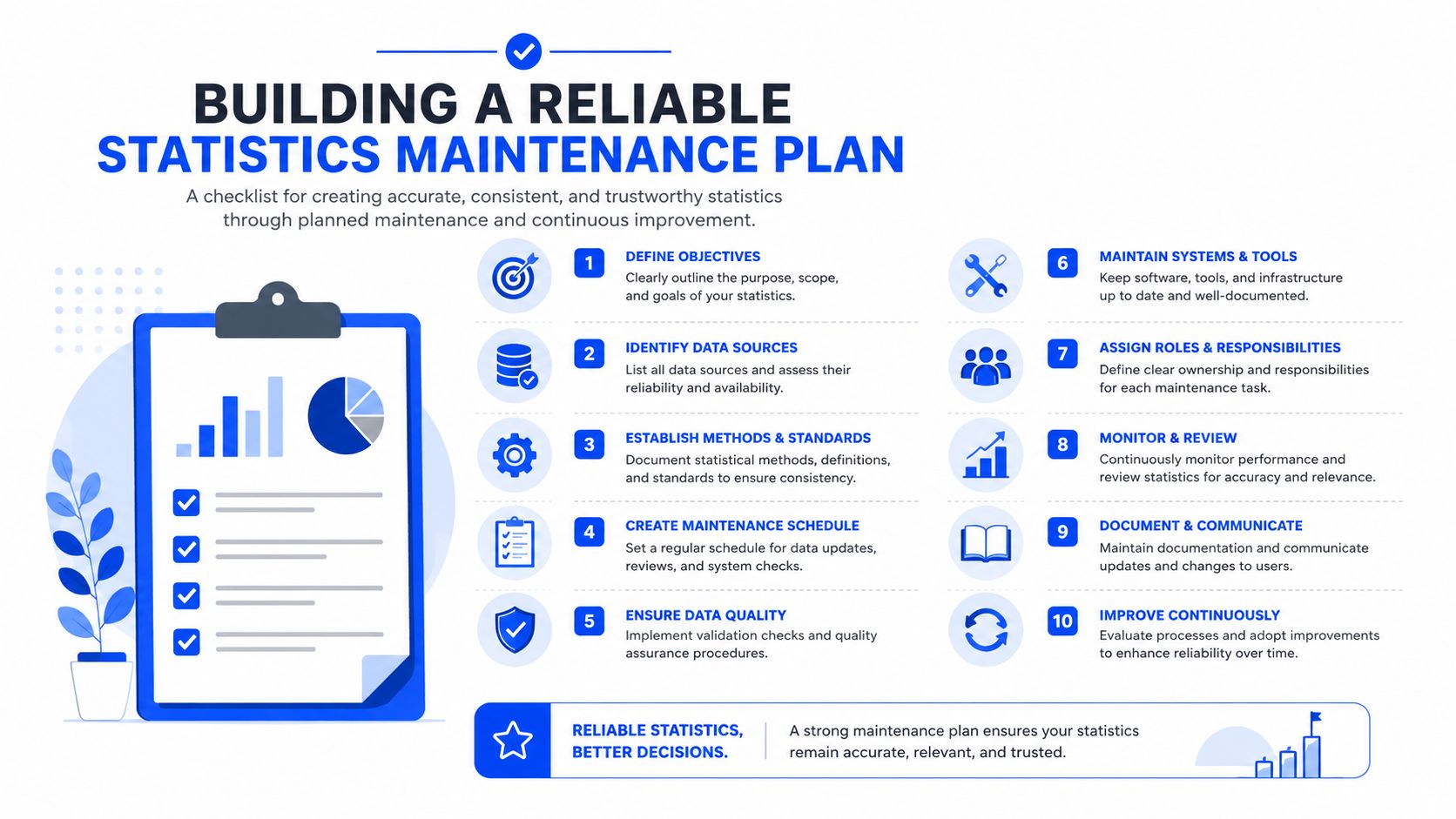
A dependable plan starts with coverage, then adds precision. Use a regular database-level job for baseline maintenance, but don't make that job responsible for every difficult table and every expensive scan.
Establish a baseline job
A nightly or weekly process can run sp_updatestats where a broad sweep fits the workload. In a more controlled estate, use a curated UPDATE STATISTICS script that names the tables and options explicitly. The choice should reflect the database's change pattern and the time available for maintenance.
Then identify the relatively small group of tables that drive most important query volume. Apply targeted updates to those tables, using a stronger sample or FULLSCAN only where execution plans demonstrate that the extra read improves estimate quality.
The sample strategy should be evidence-led:
- Ordinary tables: Begin with the default sample and measure plan stability.
- Larger active tables: Test a defined sample when default sampling misses important distribution changes.
- Skewed or high-impact data: Consider
FULLSCANwhen inaccurate estimates directly affect financial or operational reporting. - Filtered data: Use filtered statistics when only a meaningful subset of rows drives the query pattern.
Log before and after
Capture last_updated, rows, rows_sampled, and modification_counter from sys.dm_db_stats_properties before and after maintenance. Store the results so you can distinguish a statistics problem from a query, index, parameter, or resource problem.
Alerting should focus on meaningful drift, not an arbitrary job-completion message. Microsoft documents the historical 20% modification concept for larger tables, but modern compatibility levels use a dynamic threshold, so your monitoring should account for the database configuration rather than assuming one universal trigger.
Coordinate related work
Schedule statistics updates alongside index maintenance, but avoid redundant refreshes. Review filtered statistics, indexed views, and partial indexing decisions together because each can change which estimates the optimizer uses and which access paths remain available.
Finally, connect database health to the reports executives consume. A disciplined approach to using data proactively with KPIs gives the DBA a business signal for prioritization, not just a server-side job history.
Troubleshooting Stale Statistics in Production
When a query slows suddenly, don't start by rebuilding every index or adding a hint. First confirm whether the optimizer is working with stale or unrepresentative statistics.
A repeatable diagnostic order
Inspect the statistics metadata. Query
sys.dm_db_stats_propertiesand reviewlast_updated,rows,rows_sampled, andmodification_counter. Compare the modification count with the table's actual activity and the database compatibility level.Capture the problematic plan. Use Query Store to compare the current plan with earlier plans, or inspect the relevant plan through execution-plan tools. Look for a large gap between estimated and actual rows, unsuitable join choices, spills, or memory grants that don't match the result set.
Refresh in a controlled environment. Test
UPDATE STATISTICS dbo.TableName WITH FULLSCANagainst a representative staging or transaction-copy environment before applying it to production. Compare the estimated and actual row counts after the refresh.Re-measure before changing schema. Check duration, CPU, logical reads, waits, and concurrency after the statistics update. Only then consider an index change, query rewrite, or plan hint.
A statistics refresh can expose a different problem rather than solve the original one. If the estimates remain wrong, investigate data skew, parameter sensitivity, filtered predicates, missing indexes, and stale application assumptions before escalating.
Troubleshoot in sequence: verify staleness, capture the bad plan, refresh selectively, measure the result, then change the design.
The same principle applies to executive reporting. A dashboard should make it easier to distinguish a data problem from a performance problem, which is why Sage Intacct dashboards and reporting can serve as a useful comparison point for finance leaders assessing visibility and operational control.
Schedule a 30-minute working session with Lucentive to review how your reporting, close, and multi-entity data workflows are supported today, and see where Sage Intacct could fit. Lucentive is a Sage Intacct National Premier Partner with deep mid-market, healthcare, and nonprofit experience, so visit Lucentive to book a tailored conversation or demonstration without pressure.