Your bookkeeper has reconciled the bank, but the month still isn't closed. They're rebuilding reports in spreadsheets because the software that worked when you had five employees can't comfortably handle another location, foreign-currency transactions, or a lender asking for consolidated financials.
The test isn't whether software can import transactions. It's whether your team can finish the next close without rebuilding the reporting workbook.
Choosing cloud accounting software for small business starts with your operating stage, not a popularity ranking. A sole operator needs dependable invoicing and clean books. A growing service firm needs project visibility and collaboration. A multi-entity or regulated organization needs stronger controls, consolidation, and traceable reporting.
Start by choosing the right system against your actual close and reporting requirements. That's a fit assessment, not a commitment to replace anything.
The broader cloud accounting benefits for UK businesses include remote access and shared financial information. Those benefits matter, but they don't tell you which platform fits. The options below cover different business stages, beginning with advisory support when the decision itself has become complicated. No single product wins for every owner.
Table of Contents
- 1. Lucentive
- 2. QuickBooks Online
- 3. Xero
- 4. Zoho Books
- 5. FreshBooks
- 6. Wave
- 7. Patriot Accounting
- 8. ZipBooks
- 9. Aplos
- 10. Cloud Financial Management for Complex Organizations
- How the ten options compare on entry cost, multi-entity fit, and best-fit business profile
- Choosing the Right Fit for Your Books
- Summary
- Frequently Asked Questions
1. Lucentive

Stage fit: Growing organizations deciding whether to replace entry-level accounting.
Lucentive is an ERP advisory and implementation firm, not a bookkeeping application. It belongs in this comparison because choosing the platform and choosing how to implement it are separate decisions.
We help finance leaders identify what's causing the reporting problem: account structure, disconnected applications, weak workflows, or software that no longer fits. Our assessment can recommend staying with the current system rather than buying an ERP prematurely.
Where Advisory Adds Value
A clinic group might need reporting by practice and legal entity while keeping its clinical system. A nonprofit might need fund and grant reporting without rebuilding board reports outside the ledger. Those requirements need a designed accounting structure, not another subscription.
Our work includes implementation, integration, data migration, training, and ongoing support. For a Xero migration, for example, we map accounts and tracking categories into the new reporting structure, clean records, and run a parallel close before go-live.
- Main advantage: Requirements come from your actual close, entities, approvals, and management reports.
- Main trade-off: Advisory and implementation are meaningful investments. Straightforward books don't justify an ERP project.
- Decision signal: Your team can explain the reporting problem, but can't resolve it through configuration or a manageable workflow change.
Practical rule: Don't approve an ERP purchase until someone can show how your difficult month-end transactions will reach the final management report.
2. QuickBooks Online
Stage fit: Owner-managed businesses and growing teams with relatively straightforward company books.
QuickBooks Online combines bank-connected bookkeeping, invoicing, expenses, bills, and financial reporting. Its familiarity among U.S. bookkeepers makes it practical when an owner wants outside accounting support without introducing an unfamiliar platform.
Choose it when your main problem is organizing transactions and producing reliable company-level accounts. Compare plans against the people who need access and the inventory, project, budgeting, and reporting functions you use.
Where Separate Company Files Become Work
A second location isn't automatically a reason to leave. A second legal entity with intercompany activity deserves a closer look. For the accounting implications, the Financial Accounting Standards Board's consolidation guidance provides a reference point when discussing group reporting with your accountant.
The ERP Research multi-entity guide describes separate-file QuickBooks consolidation involving manual intercompany postings, eliminations, and group-currency translation. That's a different problem from routine bookkeeping.
Classes can help segment activity, but they aren't a substitute for a purpose-built fund-accounting structure or automated consolidation. Healthcare owners can use this guide to alternatives when healthcare providers outgrow QuickBooks to frame the decision.
Before committing: Reproduce your management report, including location detail and adjustments. Check QuickBooks Online's plan comparison against the features your team will actually use. If the final step still requires rebuilding everything in Excel, identify who will maintain that process.
3. Xero
Stage fit: Small businesses and growing service teams that need shared access to the books.
Collaboration is a reason to consider Xero. Its U.S. plans include unlimited users, which helps owners, bookkeepers, and external accountants work in the same system without rationing access.
The accounting foundation covers bank reconciliation, invoices, quotes, bills, and financial reporting. More involved project, forecasting, and multi-currency requirements affect which plan fits.
- Main advantage: Shared access supports a workable division between transaction entry, review, and outside accounting support.
- Main trade-off: Invoice and bill allowances, project capabilities, and multi-currency availability differ by plan. Match the subscription to your workflow rather than the entry-level description.
- Before committing: Test permissions, bank-feed reconciliation, project reporting, and the movement of transactions from connected applications. Review Xero's U.S. plan details to check which capabilities are included at each tier.
A second currency doesn't automatically require ERP. It does require a demonstration of how exchange differences appear in your books and reports.
More users in the ledger doesn't mean more control. Define who can create transactions, approve changes, and review reconciliations.
Move beyond entry-level accounting when you need consolidated entities, intercompany controls, or reporting structures that tracking categories can't support cleanly. Don't keep adding spreadsheets just because the transaction-entry screen still works.
4. Zoho Books
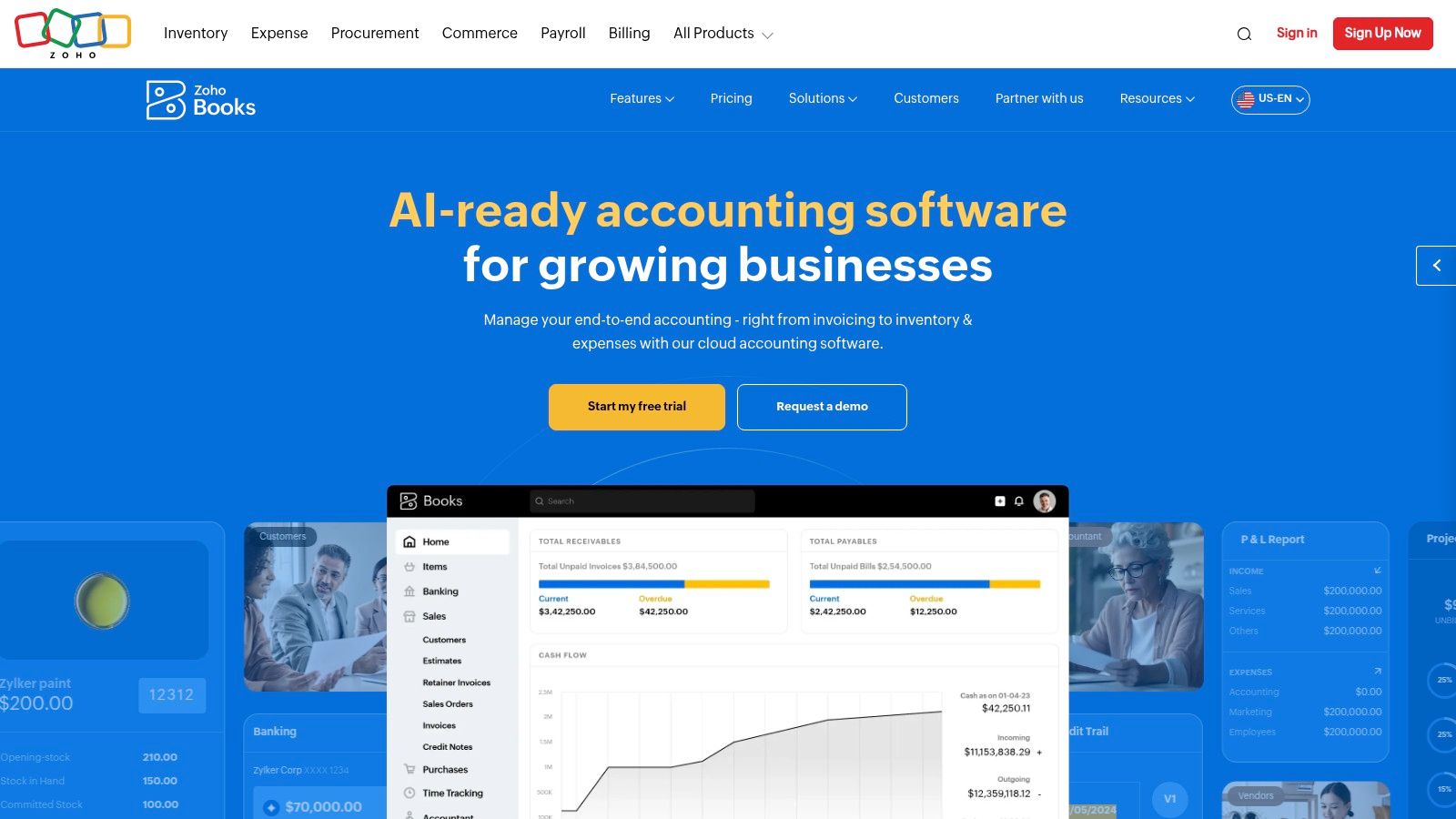
Stage fit: Sole operators and growing small businesses, particularly those already using Zoho applications.
If your team already works in Zoho, evaluate Zoho Books before introducing another software ecosystem. Zoho Books offers a free plan for eligible businesses alongside paid tiers covering more involved accounting workflows.
Its core functions include invoicing, expense tracking, bank reconciliation, and reporting. Purchasing, inventory, projects, budgets, and user allowances depend on the plan.
Test the Complete Workflow
The advantage is potential continuity between operational activity and accounting. The risk is assuming that applications from the same vendor automatically support your exact approval and reporting process.
Run a transaction from customer setup through invoicing, collection, reconciliation, and management reporting. For purchasing, test authorization and receipt handling as well as bill entry. Use Zoho Books' plan comparison to check whether the workflow you tested is available on the tier you intend to buy.
Choose it when your accounting needs fit the available plans and the wider Zoho environment reduces duplicate work. Look beyond it when entity consolidation, restricted-fund reporting, or elaborate operational allocations become central to the close.
A growing user list is a licensing question. A growing collection of off-system accounting schedules is a system-design question. Don't treat them as the same problem.
5. FreshBooks
Stage fit: Freelancers and small service firms whose main difficulty is billing clients accurately.
Start with FreshBooks when the owner's question is, “Have we billed all the work?” rather than, “Can we consolidate the group?”
FreshBooks centers on invoicing, estimates, recurring billing, payment collection, time tracking, and expenses. Project and accounting capabilities vary by plan, so evaluate the complete workflow rather than the invoice template alone.
- Main advantage: Time and expense capture sit close to client billing.
- Main trade-off: Billable-client limits, additional team access, and payment services can affect the total commitment.
- Before committing: Create a representative project with employee time, reimbursable expenses, an invoice adjustment, and a final profitability report. Check FreshBooks' current plans and client limits before choosing a tier.
When Billing Stops Being Enough
A consulting firm can have clean invoices and still lack dependable engagement margins. Once different billing methods, resource costs, departments, and entities interact, the accounting structure needs more attention.
Compare professional services accounting software when managers need profitability while work is still underway. The requirement is to connect project structure, time, expenses, billing, and ledger reporting, not just produce more polished invoices.
FreshBooks fits a billing-led business. Don't stretch it into a consolidation system.
6. Wave
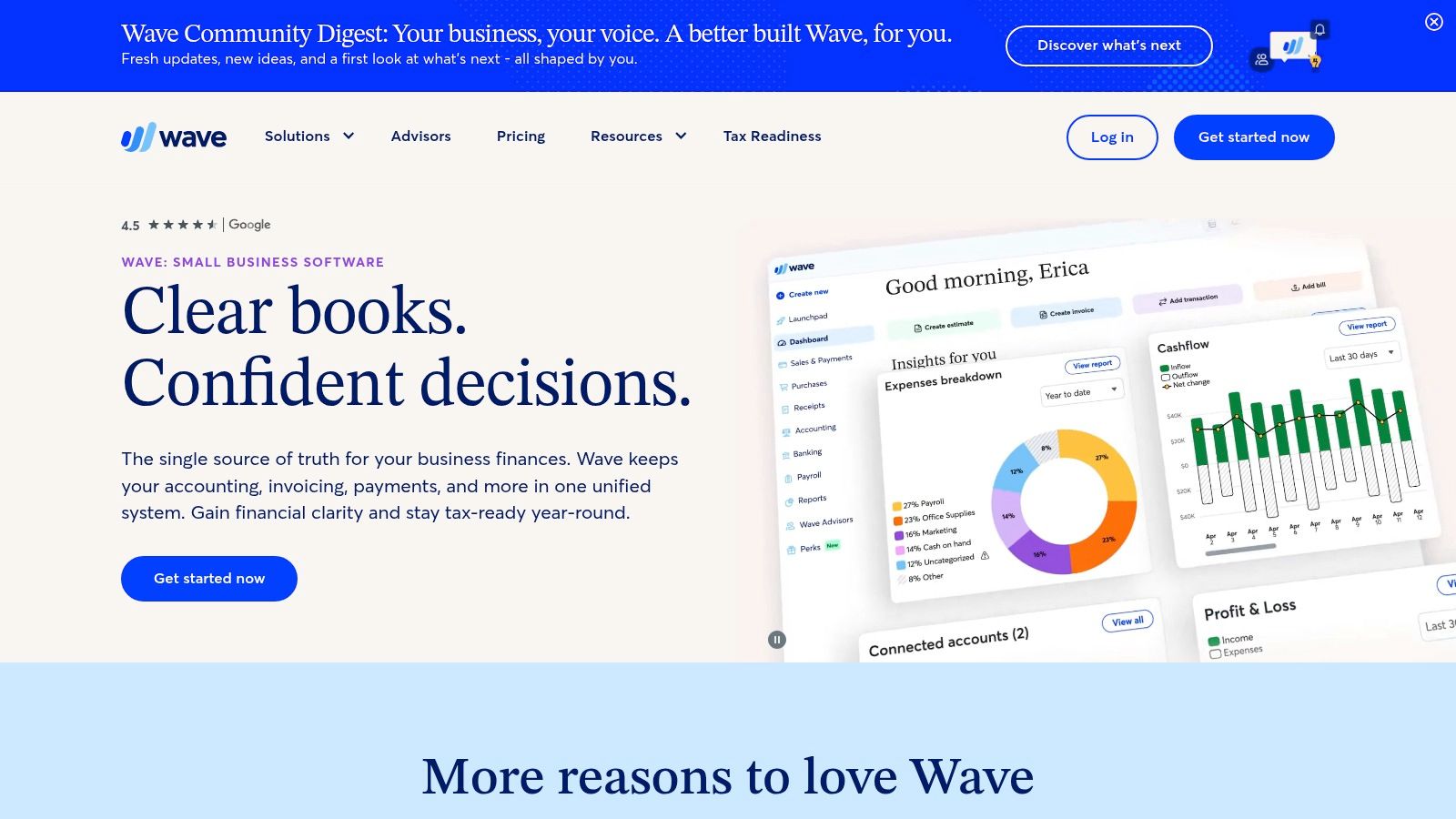
Stage fit: Sole operators and very small businesses with simple finances.
A freelancer who needs invoices, income tracking, and organized expenses shouldn't start with an ERP evaluation. Wave offers a free Starter plan for basic bookkeeping and invoicing, with a paid Pro plan adding automation.
That makes it a sensible starting point when the owner handles the books and the reporting requirements are modest. Compare bank-import automation, receipt handling, support, and payment-processing charges on Wave's pricing page before deciding what the setup will cost to operate.
Keep the Scope Honest
Wave's appeal is simplicity. The trade-off is that a business with more demanding approvals, reporting dimensions, or consolidated entities needs more than basic bookkeeping.
- Good fit: Straightforward sales, expenses, collections, and company-level reports.
- Warning signal: The bookkeeper maintains separate spreadsheets to explain results by entity or satisfy recurring external reporting requirements.
- Before committing: Confirm how you'll reconcile accounts, retain supporting documents, export records, and obtain help when something breaks.
Use this guide to cloud ERP for small business when the problem changes from recording transactions to controlling a more complex organization.
Don't buy extra complexity before you need it. Equally, don't confuse a low subscription commitment with a low total workload.
7. Patriot Accounting
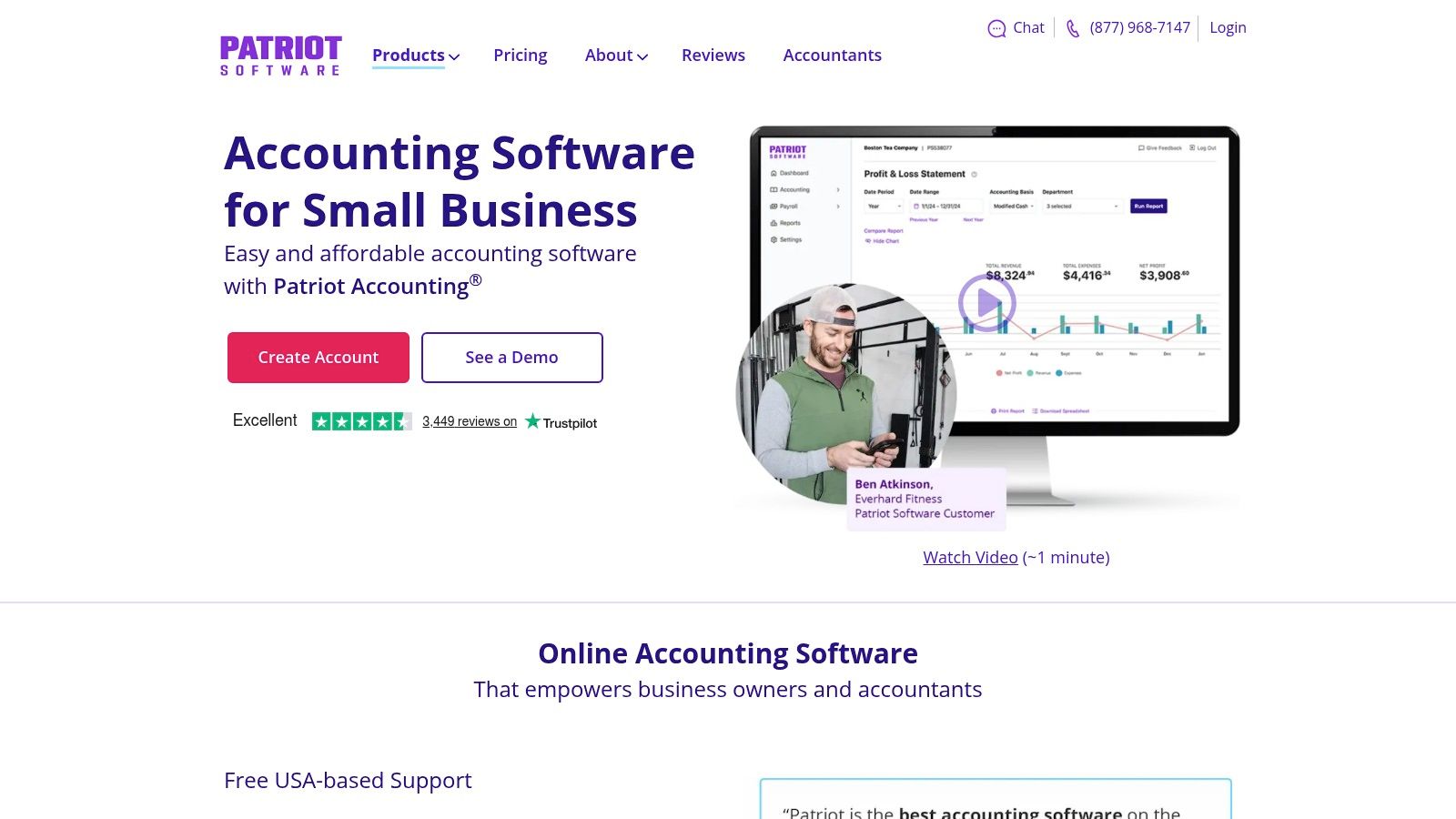
Stage fit: U.S. small businesses with conventional bookkeeping needs, especially existing Patriot payroll users.
Patriot Accounting is worth evaluating when payroll compatibility and straightforward books matter more than an extensive application ecosystem. Patriot Accounting provides bank imports, income and expense tracking, reconciliation, invoicing, and financial reports.
It also offers cash-to-accrual report switching. That's useful to test with your accountant, but changing a report basis doesn't remove the need to review receivables, payables, and period-end adjustments.
- Main advantage: Existing Patriot payroll users can evaluate accounting and payroll together.
- Main trade-off: Recurring billing, reminders, permissions, and other functions depend on the accounting tier. Check Patriot's accounting plan comparison for current inclusions. Payroll and bookkeeping services are separate commitments.
- Before committing: Run a payroll posting, reconcile its liability accounts, and confirm that the resulting reports meet your accountant's needs.
Recognize the Reporting Boundary
Patriot belongs on a shortlist for straightforward small-business accounting. It's not the starting point for a group requiring advanced consolidation or fund-based reporting.
A new entity, departmental allocation process, or externally mandated reporting package should trigger a fresh requirements review. Test the actual reporting output before assuming that another invoice feature will solve a close problem.
8. ZipBooks
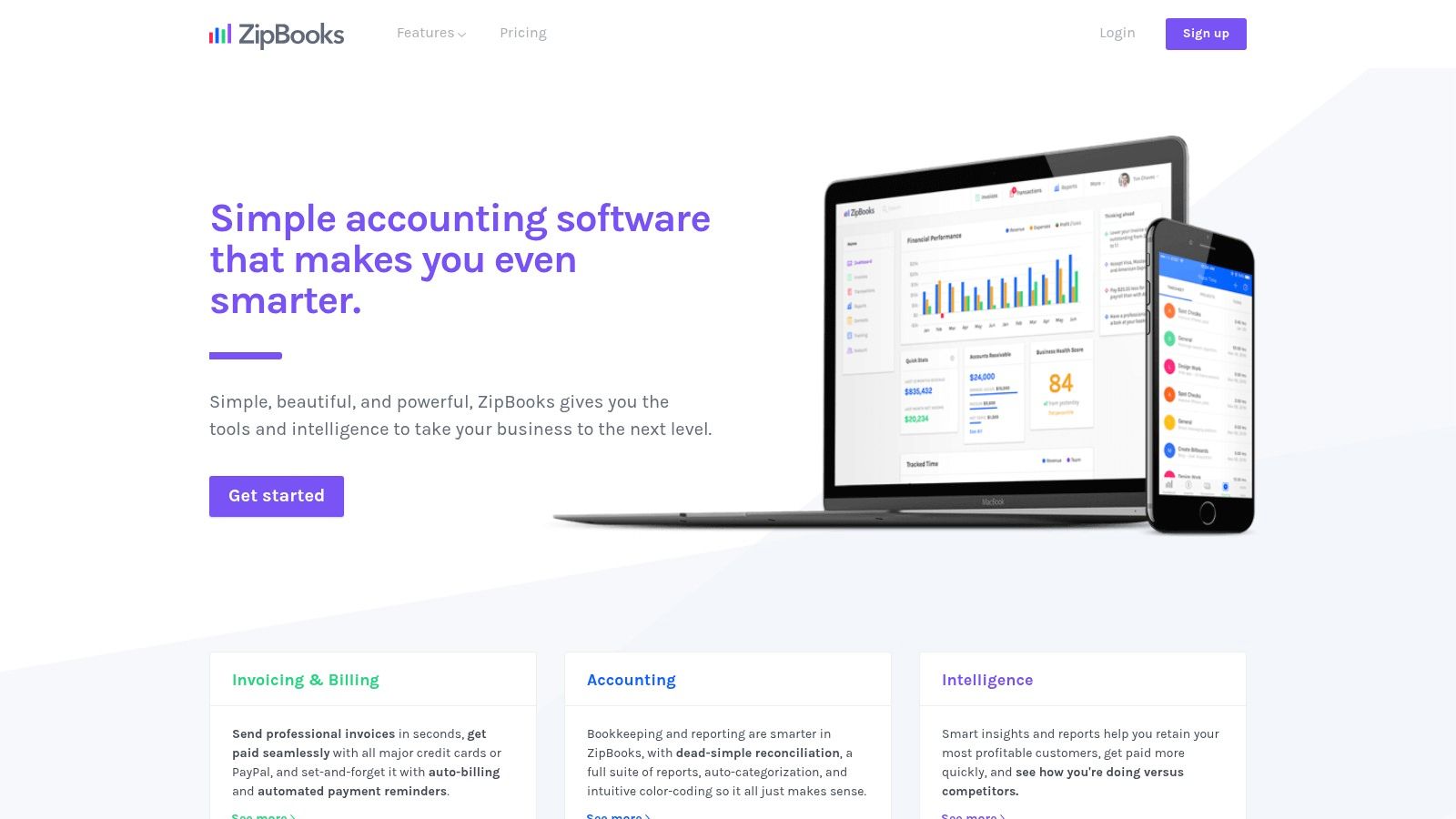
Stage fit: Sole operators and small service businesses needing basic bookkeeping with activity tagging.
Say an owner wants to distinguish work by project or location without adopting a larger financial system. ZipBooks deserves a trial using that exact reporting requirement.
ZipBooks offers a free Starter plan for invoicing and basic reporting, while paid tiers add functions such as recurring invoices, time tracking, collaboration, reconciliation, and tagging.
Tags Aren't Entities
Project and location tags can help organize activity within a business. They don't, by themselves, establish separate legal-entity books, intercompany balances, or consolidation controls.
The practical advantage is progressive functionality for a small operation. The trade-off is the need to verify integration coverage and accounting depth before the business depends on them.
- Test reporting: Enter shared costs and confirm how project or location reports handle them.
- Test reconciliation: Work through a bank adjustment and review the supporting audit trail.
- Test connectivity: Confirm how sales, payroll, and expense records reach the ledger without duplicate entry.
Move beyond this category when the close depends on complicated allocations, consolidated entities, or formal fund reporting. A report with more tags isn't necessarily a controlled financial reporting process.
9. Aplos
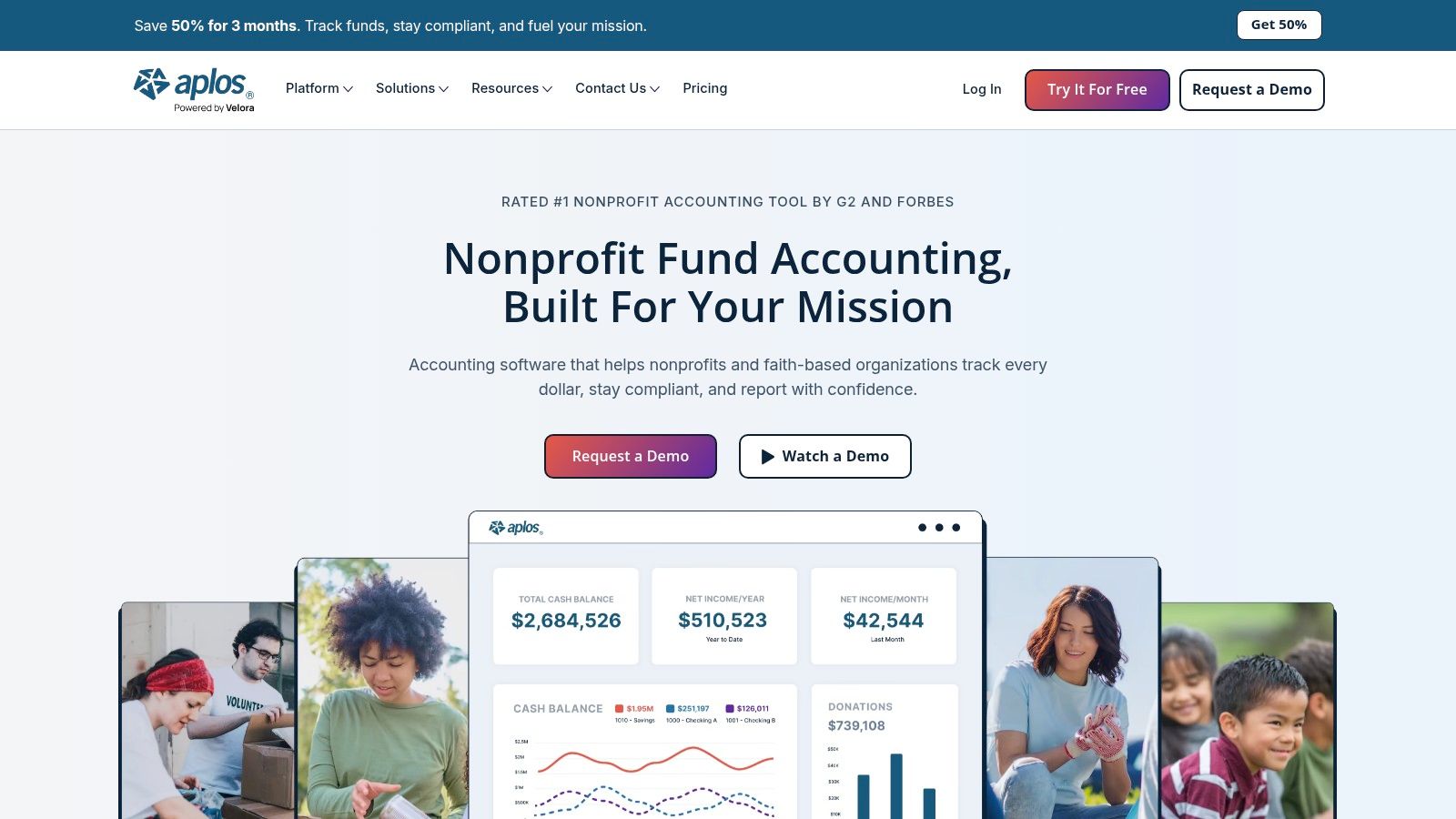
Stage fit: Small nonprofits and churches that need fund accounting rather than general business bookkeeping.
Restricted donations change the selection question. You need to know not only what the organization owns and owes, but which resources are available for which purposes.
Aplos is built around nonprofit and church accounting, including fund-based financial statements and donor-oriented workflows. More advanced payables, receivables, budgeting, permissions, and reporting depend on the selected offering.
Start With the Board Report
Bring a real board reporting package and a restricted-fund example to the demonstration. Ask the software to show the receipt, its fund assignment, subsequent spending, and the remaining balance. Compare the result with Aplos' fund-accounting workflow.
- Main advantage: Fund accounting is central to the product rather than an improvised use of general-purpose categories.
- Main trade-off: It's specialized for nonprofits and churches, not a natural choice for most commercial businesses.
- Growth signal: Grant allocations, related entities, complex approvals, or reporting dimensions exceed the demonstrated workflow.
The nonprofit fund accounting software guide helps separate basic fund tracking from broader financial-management requirements.
Fund reporting is a reason to select an appropriate system early. It isn't, by itself, proof that an organization needs a full ERP implementation.
10. Cloud Financial Management for Complex Organizations
Stage fit: Growing and mid-market organizations with multi-entity, dimensional-reporting, or stronger control requirements.
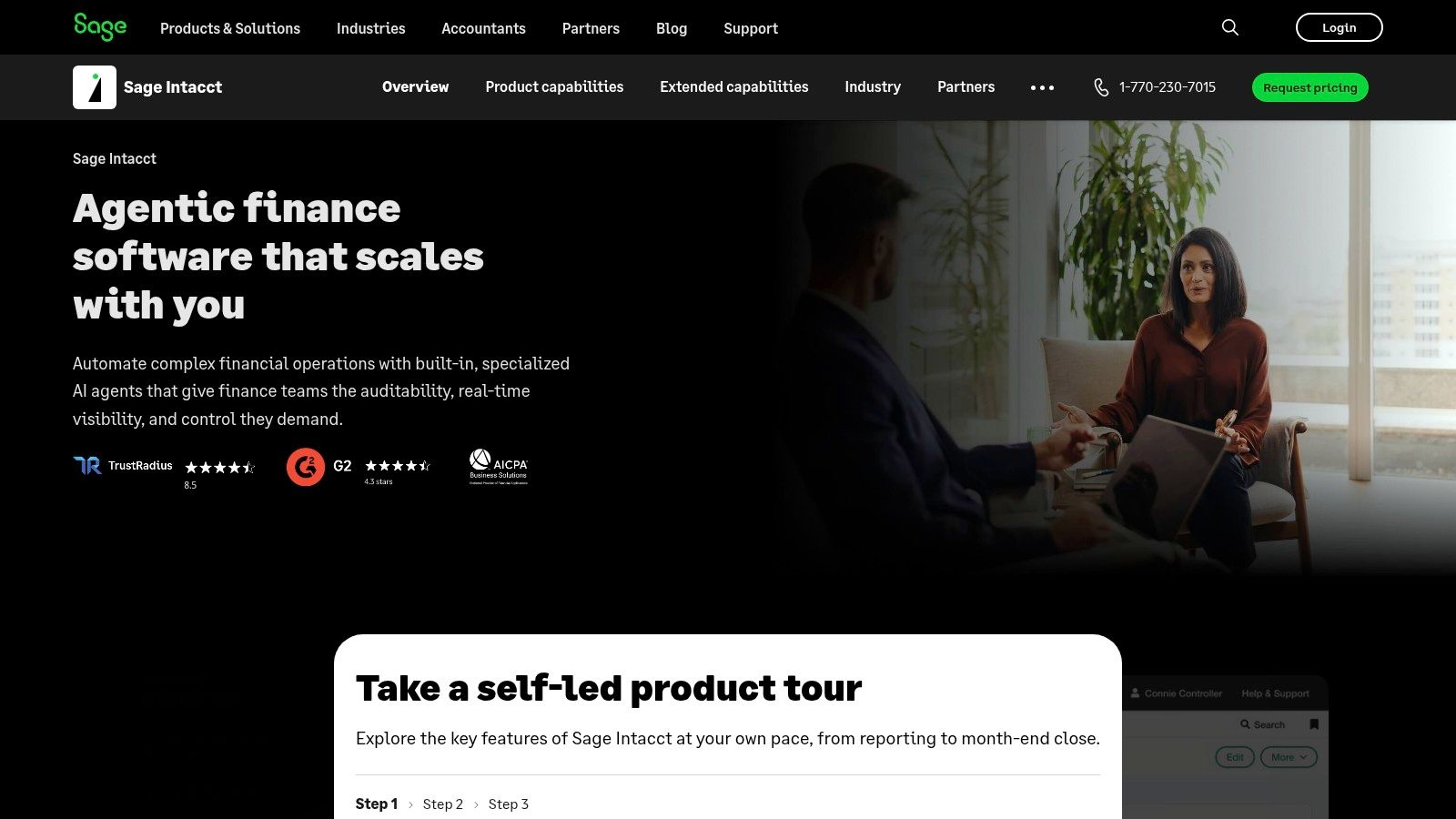
Sage Intacct is a cloud financial-management product, not another entry-level bookkeeping tier. It belongs in the evaluation when finance needs separate entity financials alongside consolidation, detailed reporting dimensions, and more structured workflows.
Its multi-entity capabilities maintain separate financials while supporting consolidation, including currency conversion and inter-entity transactions. Healthcare, nonprofit, and professional services organizations should evaluate those capabilities against their own operational systems and reporting obligations.
More Capability Means More Implementation Work
The trade-off is scope. Account design, dimensions, integrations, migration, permissions, training, and ongoing administration all need ownership.
- Main advantage: Entity and reporting requirements can be addressed within a more capable financial-management structure.
- Main limitation: It's more system than a business with straightforward books needs.
- Before committing: Demonstrate intercompany activity, consolidated reporting, an approval exception, and drill-down from a management figure to its source transaction.
Use this Sage Intacct and QuickBooks comparison to distinguish bookkeeping requirements from financial-management requirements.
Evaluate it alongside alternatives that fit your operating model. The right answer depends on the work your finance team must perform, not the size of the feature list.
How the ten options compare on entry cost, multi-entity fit, and best-fit business profile
Entry cost matters, but the fit changes as a business adds people, entities, currencies, or reporting obligations. Use the comparison to identify when straightforward bookkeeping may no longer cover the work.
| Item | Entry pricing model | Multi-entity fit | Best for |
|---|---|---|---|
| Lucentive | ERP Advisory starts at a $5,000 fixed fee, credited against implementation if you proceed | Advises on and implements Sage Intacct for organizations that need separate entity financials and automated consolidation | Organizations evaluating or implementing Sage Intacct |
| QuickBooks Online | Paid subscription plans | Limited for complex entity needs | Small businesses seeking familiar accounting tools |
| Xero | Paid subscription plans | Supports multiple organizations, but each organization has its own subscription and books | Teams and advisers needing unlimited users |
| Zoho Books | Free entry plan; paid tiers available | Supports multiple organizations, with organization limits varying by plan | Small businesses using the Zoho ecosystem |
| FreshBooks | Paid subscription plans; 30-day free trial | Limited for consolidation needs | Freelancers and service businesses focused on billing |
| Wave | Free Starter plan; paid Pro plan | Limited for complex or multi-entity needs | Very small businesses with simple finances |
| Patriot Accounting | Two paid accounting tiers | Limited for complex operations | U.S. small businesses, especially Patriot payroll users |
| ZipBooks | Free Starter plan; paid tiers available | Basic segmentation; assess needs | Small service firms needing project or location tagging |
| Aplos | Paid plans; pricing varies by tier | Fund-focused capabilities for nonprofits | Nonprofits and churches needing fund accounting |
| Sage Intacct | Quote-based pricing | Maintains separate financials per entity and automates consolidation | Growing and mid-sized organizations with complex reporting needs |
Choosing the Right Fit for Your Books
Choose by complexity before employee count. A small organization with restricted funds or related entities can need more financial control than a larger business with straightforward transactions.
Sole operators and very small teams should start with the essentials. Wave, ZipBooks, FreshBooks, Patriot Accounting, and Zoho Books offer different approaches to straightforward bookkeeping and billing. If invoicing is the main difficulty, compare invoicing options with GetBill, but keep collections functionality separate from the question of whether the ledger meets your needs.
Growing service firms should compare QuickBooks Online, Xero, Zoho Books, and FreshBooks against actual project, collaboration, and reporting workflows. Multi-entity or regulated organizations need to test consolidation, permissions, fund reporting, and traceability directly. Aplos and broader financial-management systems address different parts of that requirement.
Make Implementation Part of the Decision
Software alone rarely settles a difficult close. Someone must define the chart of accounts, reporting dimensions, approval responsibilities, integration rules, and reconciliation process.
Before a demonstration, give every provider the same sample transactions and reporting requirements. Include a bank reconciliation with an unmatched item, a late supplier bill, a corrected customer invoice, and a shared expense that needs allocating. If you operate multiple entities, add an intercompany transaction and ask to see both the entity-level and consolidated results. For a nonprofit, substitute a restricted donation and related spending, then request the resulting fund report.
Ask the person who will run the close to follow each transaction through to the final report. Record which steps happen in the accounting system, which require another application, and which still depend on a spreadsheet. That comparison makes implementation effort and ongoing ownership easier to judge than a feature checklist alone.
Security also needs ownership. The OECD's 2025 SME digitalisation report found that only 16% of surveyed SMEs had digital-security protections. Use the NIST Cybersecurity Framework as a starting point for discussing responsibilities, then require role-based access, payment approvals, access reviews, and a documented recovery process rather than assuming cloud hosting handles every risk.
Buying test: Give each shortlisted provider the same difficult close scenario. Compare the resulting workflow and reports, not differently staged demonstrations.
Lucentive is an independent advisor and Sage Intacct Value Added Reseller and Premier Implementation Partner with healthcare and nonprofit experience. Our advisory starts at a fixed $5,000 and takes 2–4 weeks, using your actual close to build requirements and compare platforms. The fee is credited against implementation if you proceed, and the recommendation may be to stay where you are.
Build the business case around work you can measure: reconciliation effort, report preparation, manual adjustments, and when management can trust the results. Use a working session to test fit against your own close and entities before approving software spend.
Summary
Choose cloud accounting software around the work your business must complete. Sole operators need dependable billing and bookkeeping; growing service teams need collaboration and project visibility; nonprofits need appropriate fund reporting. Multi-entity organizations must test consolidation and controls rather than rely on spreadsheet workarounds. QuickBooks Online, Xero, Zoho Books, FreshBooks, Wave, Patriot Accounting, ZipBooks, Aplos, and Sage Intacct serve different needs. Advisory support helps separate a configuration problem from a genuine replacement requirement. Include migration, integrations, training, security, and ongoing ownership in the decision, not just the subscription.
Frequently Asked Questions
Which Cloud Accounting Software Suits a Sole Operator?
Wave, ZipBooks, FreshBooks, Patriot Accounting, and Zoho Books can suit a sole operator with straightforward books. Choose based on the work that takes most of your time, such as invoicing, time-based billing, or bank reconciliation. Test the full workflow before committing. If the plan leaves you maintaining a separate spreadsheet for routine tasks, it may not be the right fit.
When Has a Business Outgrown QuickBooks Online?
Look at the close, not just headcount. A second entity, intercompany transactions, reporting in more than one currency, or a close that depends on a workbook can signal that the business needs more than entry-level accounting. A second location alone does not settle the question. Check whether changes to the current setup can meet the requirements before comparing replacement systems.
Does a Nonprofit Need Specialized Accounting Software?
A nonprofit handling restricted resources should test fund reporting directly. Aplos centers its offering on fund accounting, while broader financial management systems may suit more complex organizational structures. Use a restricted receipt, the related spending, and a board report in your evaluation. The system should show fund balances from the accounting records, not require staff to rebuild them outside the ledger.
What Should an Accounting Software Evaluation Include Beyond Features?
Test the account structure, reporting dimensions, approvals, integrations, migration, training, security, and ongoing administration. Ask vendors to demonstrate a difficult month-end scenario, not just a standard product tour. Measure the reconciliation and reporting work your current process requires. That baseline helps you judge whether improving the existing system or replacing it makes more sense.
Lucentive offers requirements-led advisory, platform comparison, and implementation support for businesses moving beyond basic accounting. Visit Lucentive to discuss how your close, entities, and reporting needs fit the options above.